Authentication
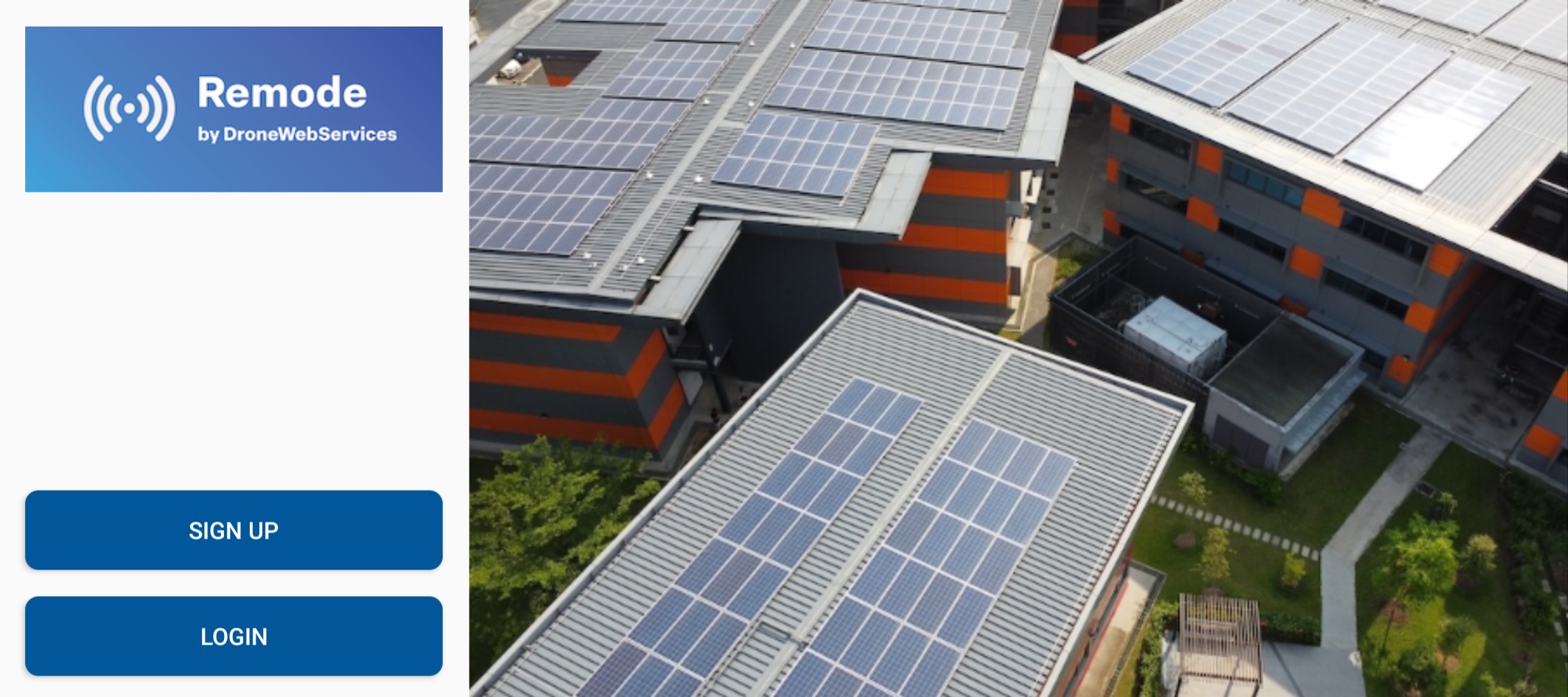
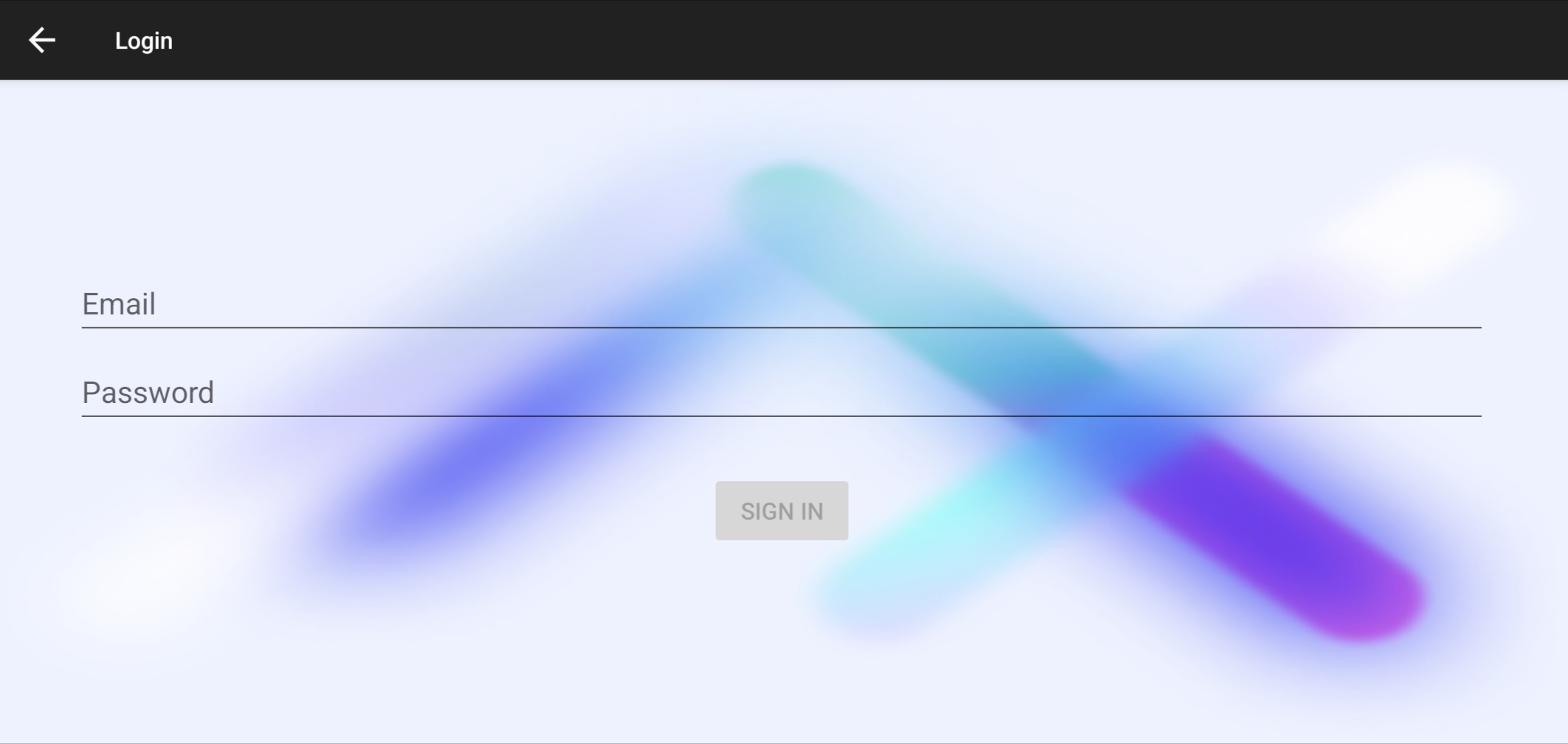
1: Login: After downloading the app, you will see a login/registration option on the home screen. Use the same login information as your DWS dashboard to consistently sync and manage your mission data.
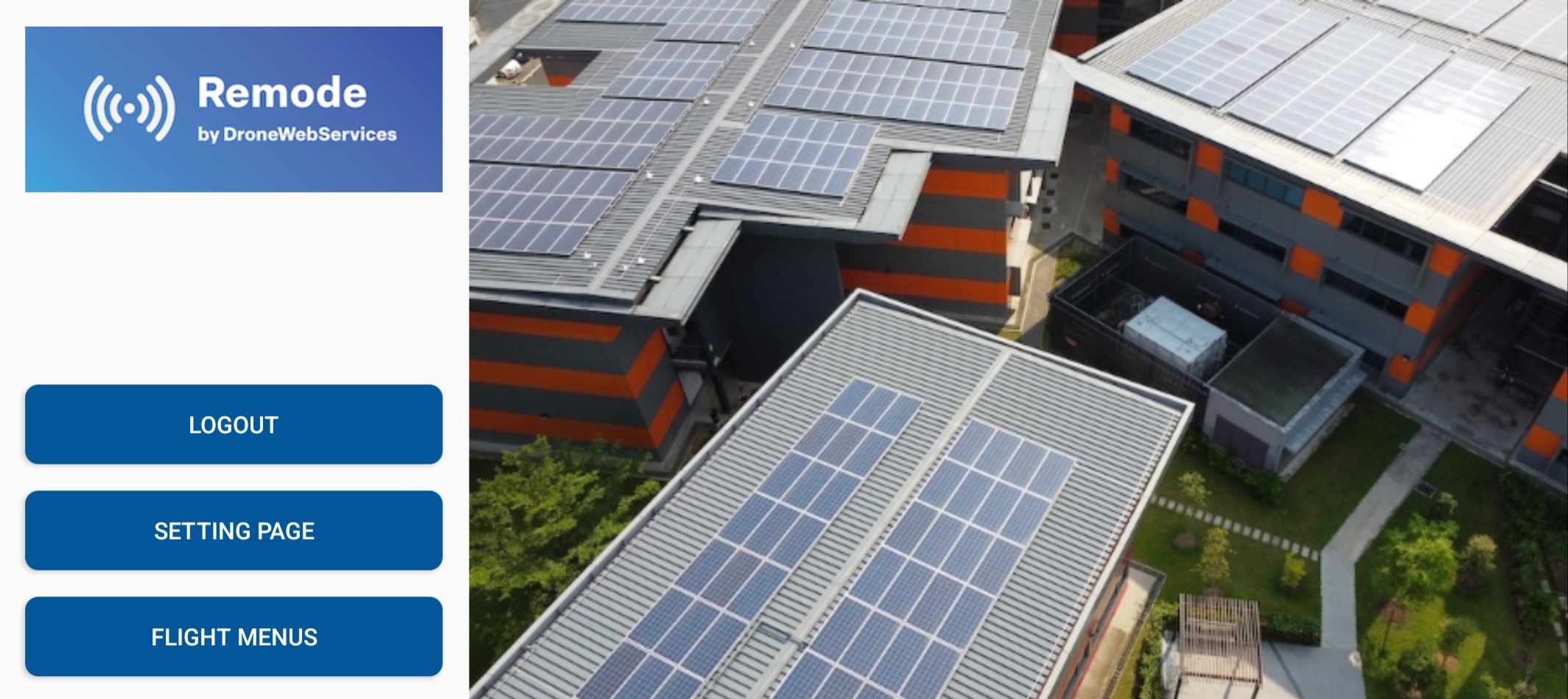
2: After Login: After logging in, the following buttons will be displayed. Press the "Flight Screen / Flight Menus" button to proceed to the flight screen. Also, change the workspace used on the settings page if necessary.