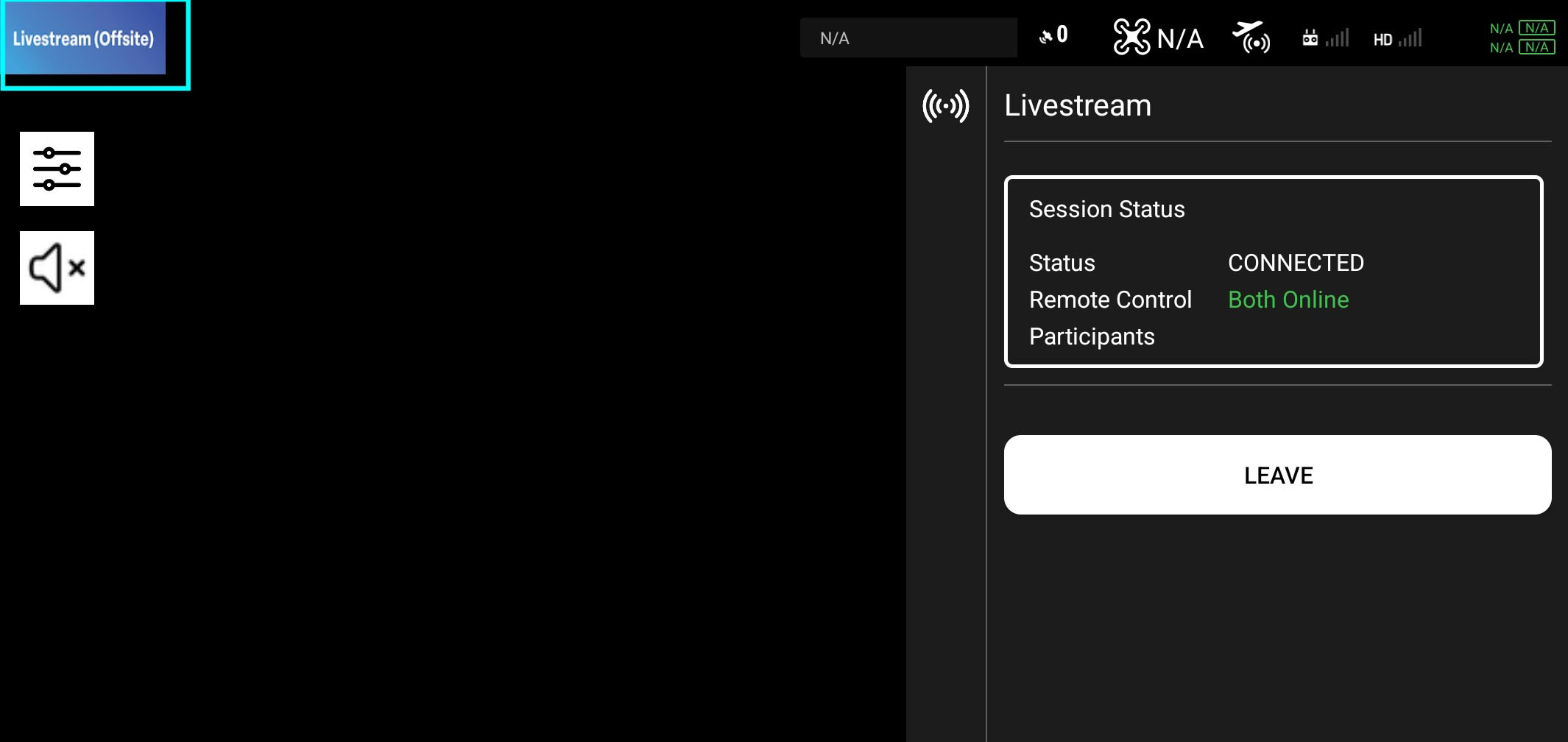
Offsite Operator
This page is for the offsite operator, who is watching the livestream remotely. The offsite operator must have a stable internet connection.
Flight Menu
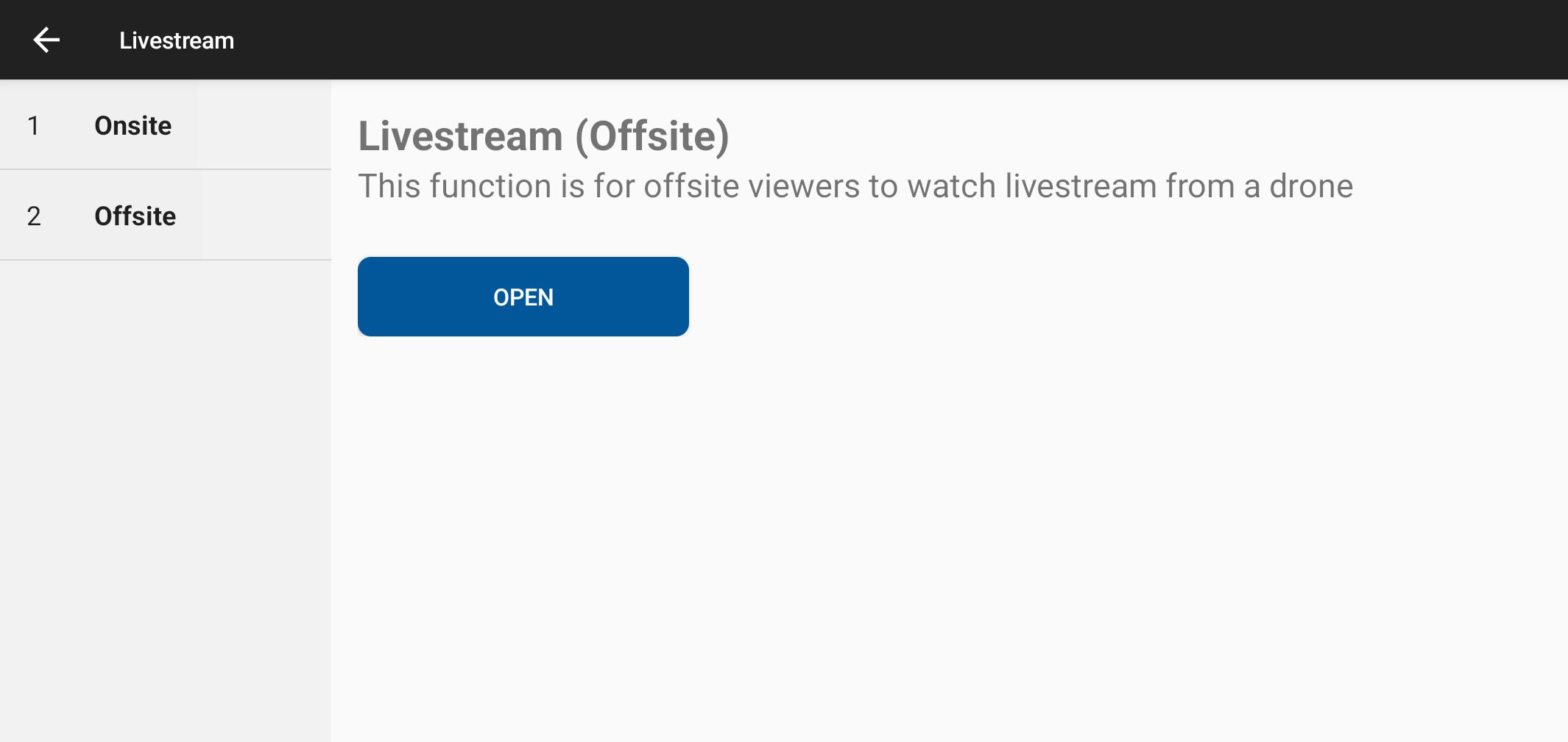
Please select 'Offsite' and click the open button to go to the flight page for the offsite operator.
User Interface
-
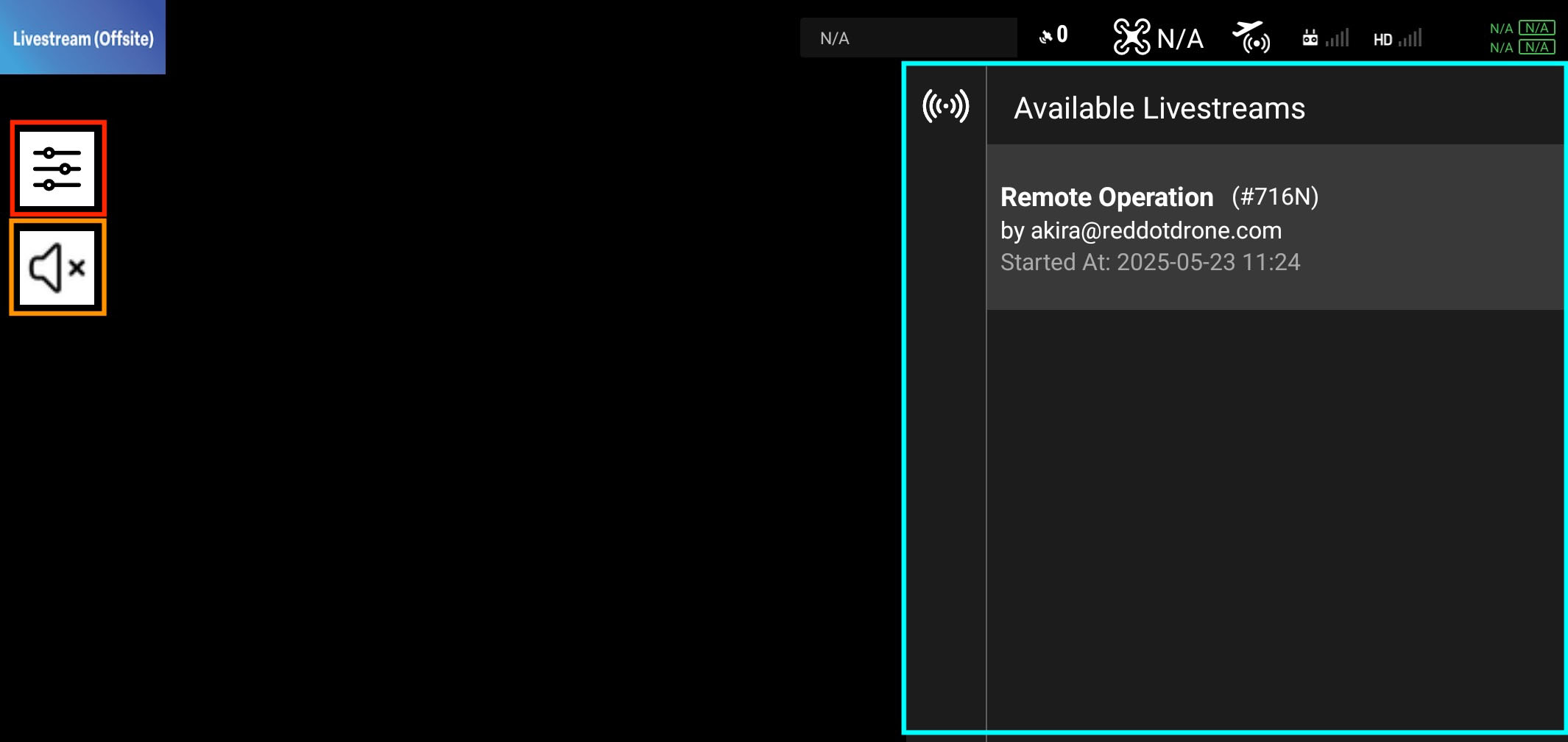
Panel Button (red-color-bordered): The Panel button opens and closes the panel on the right side of the screen. Close it if you need more space for the livestreaming video.
-
Speaker Button (orange-color-bordered): Mute or unmute the speaker to talk with the remote pilot.
-
Command Panel (light-blue-color-bordered): Use this panel to set up the livestream session.
Hiding the Command Panel
You can hide the command panel by clicking the panel button (red-color-bordered) in the top-left corner of the screen.
Join a Remote Session
Please tap one of the "Remote Operation" items in the Available Remote Sessions list to join the remote session.
Remote Session Status
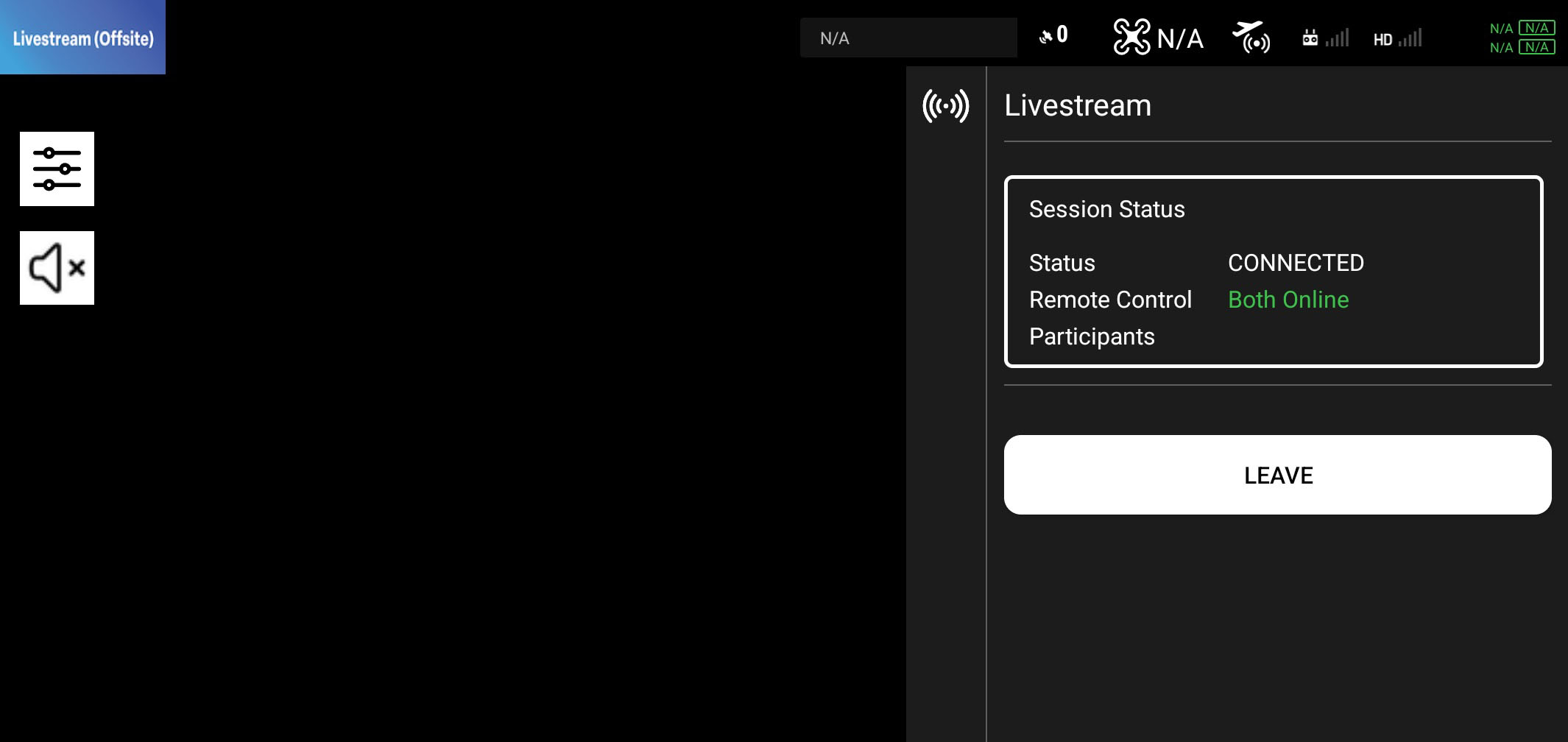
Once the remote session starts, you will see the following screen on the right. The remote pilot will be able to see the video stream from the drone's camera.
Buttons
- Leave Button: Use this button to leave the remote session.
Close the Page
Once you click the logo image in the top-left corner of the page, you will be redirected to the menu page. The remote session will stop automatically.