Web Dashboard
You can watch the livestreaming video on the web dashboard. The web dashboard is available at the following URL: https://app.dronewebservices.com
How to Go to the Live Streaming Page
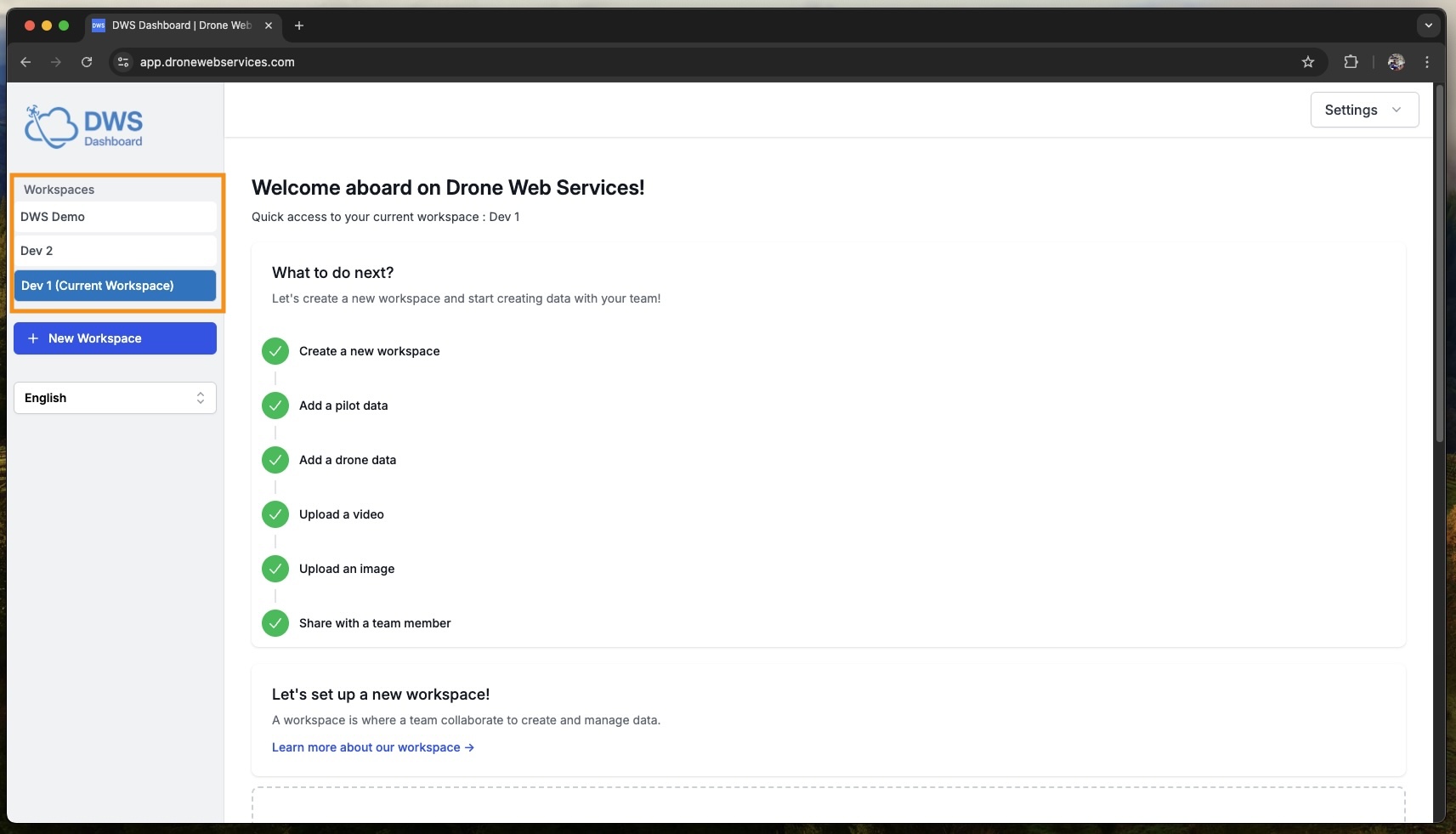
- Please select the relevant workspace from the sidebar.
- Please select the "Livestream" tab in the sidebar.

- Select a Livestream from the list of available livestreams.

The refresh button (light-blue-color-bordered) refreshes the list of available livestreams. You can see the livestreams that are currently available.
- Watch the livestream
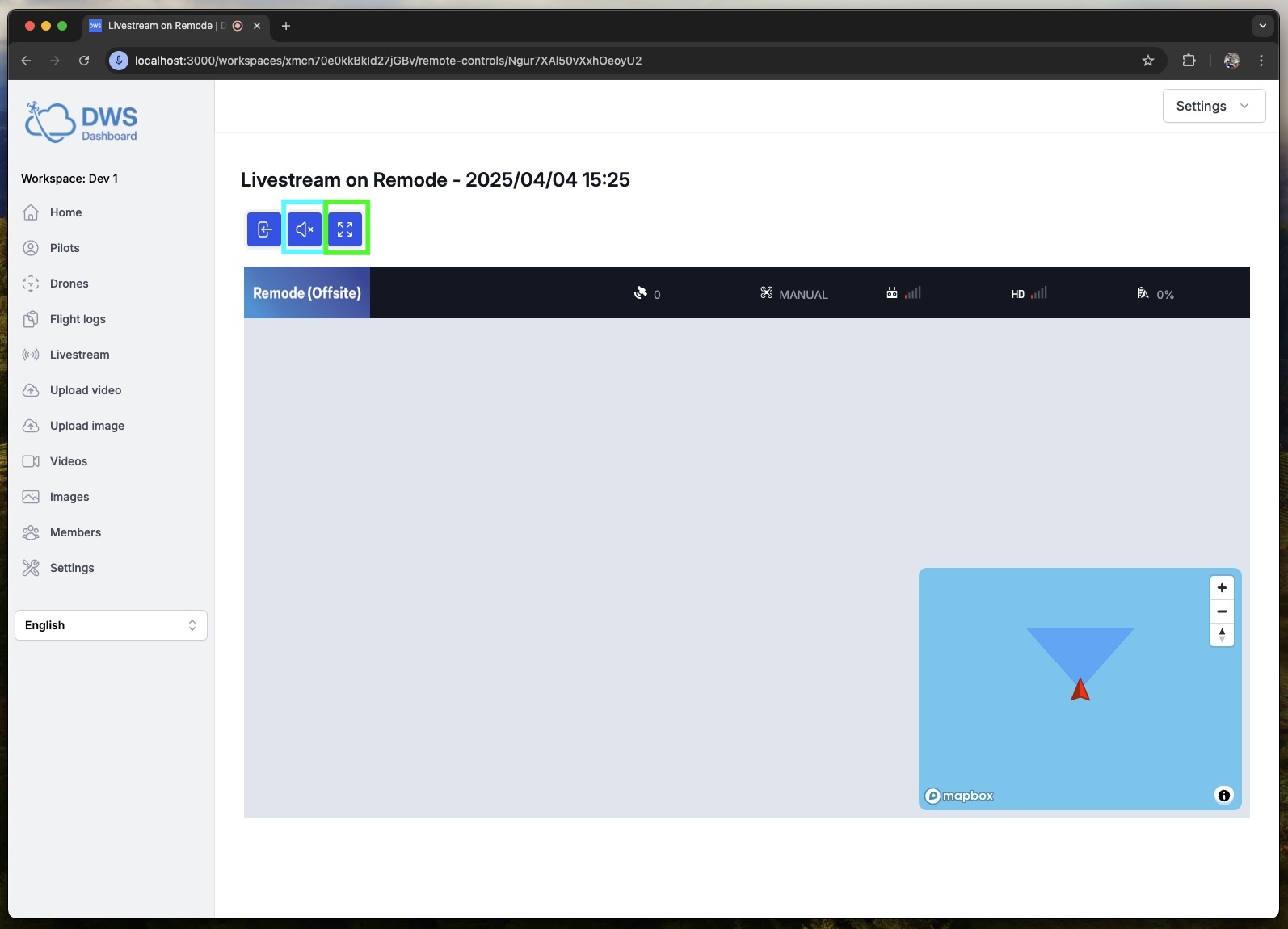
The mute button (light-blue-color-bordered) mutes the sound of the livestreaming video.
The fullscreen button (green-color-bordered) displays the livestreaming video in full-screen mode.