Getting Started
This page provides detailed instructions on how to use the Mission feature in the Mission app.
1. Home Screen
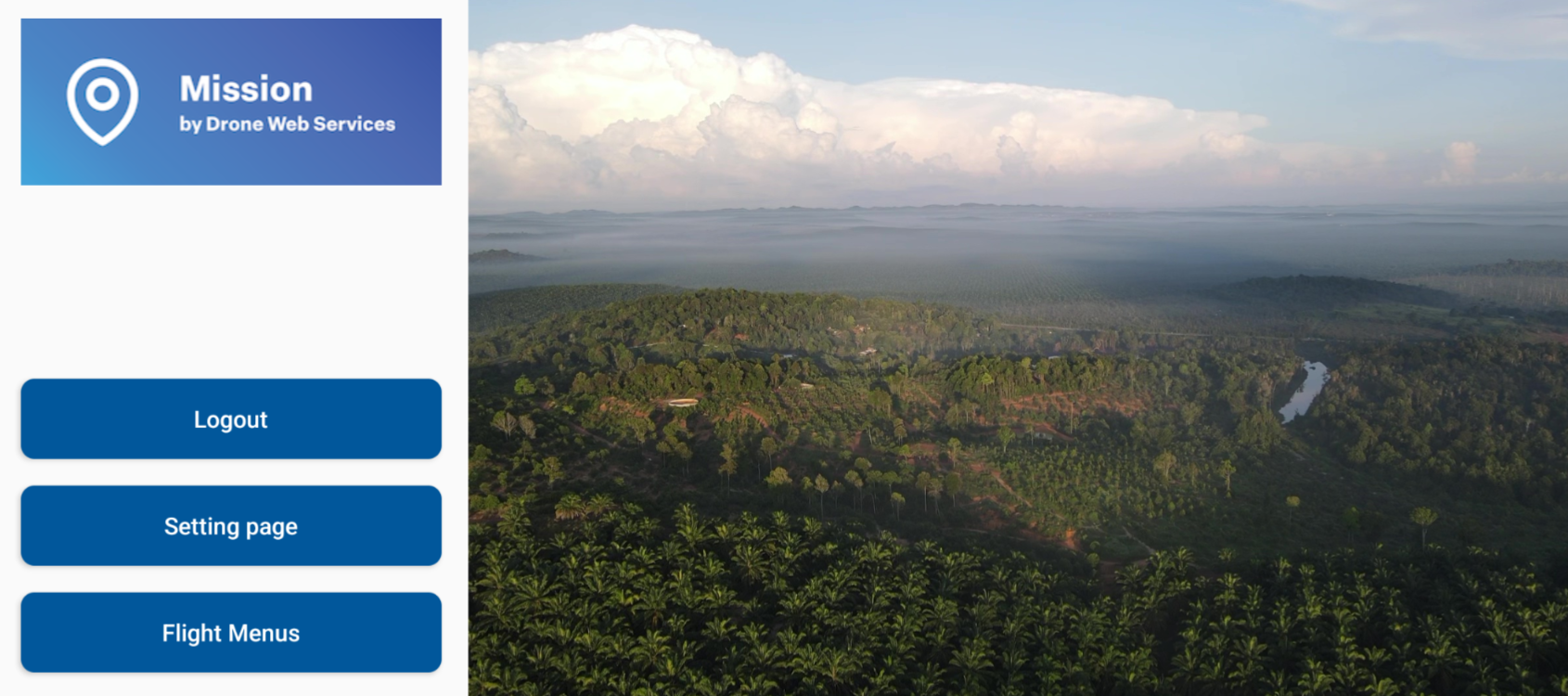
Please click the Flight Page button at the bottom of the screen to start creating a new mission.
2. Mission List
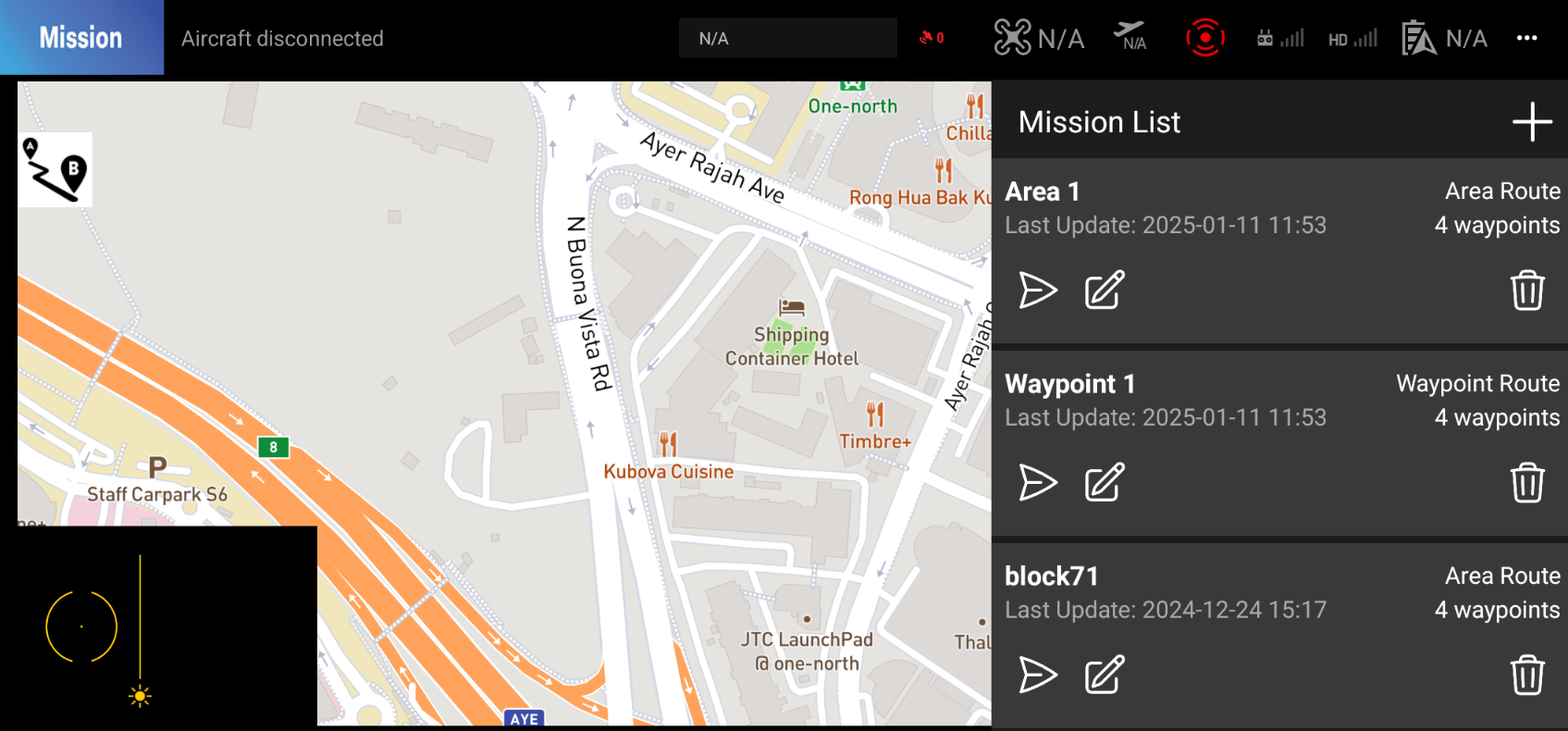
Once you press the mission button on the middle-left side of the screen, you will see the list of missions you have created.
Mission Type
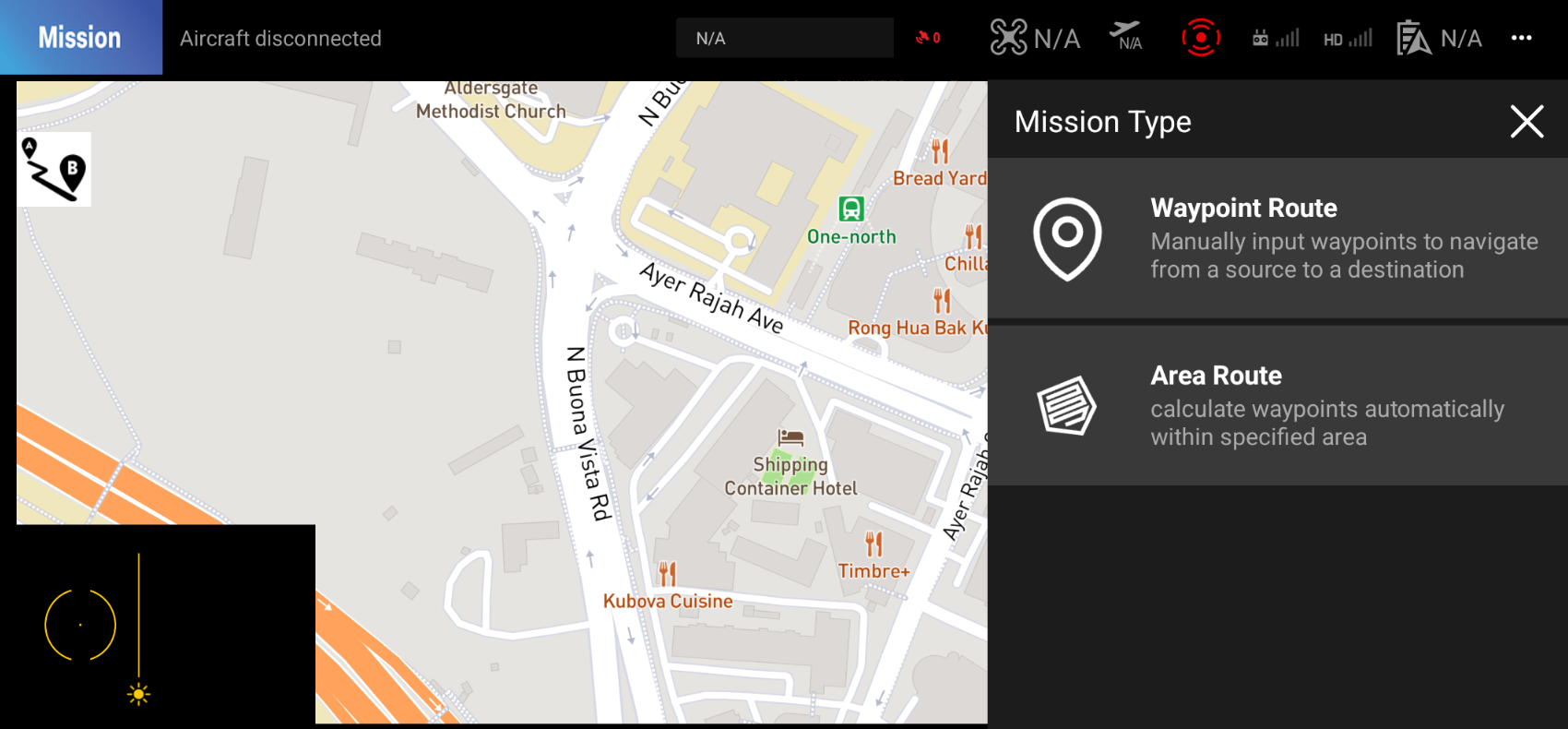
There are currently two types of missions you can create: Waypoint Mission and Area Mission. Please select the mission type you would like to create.
Waypoint Mission
This mission type allows you to create a mission by setting waypoints on the map. You can set the altitude, speed, and heading for each waypoint.
Link to Waypoint Mission
Area Mission
This mission type allows you to create a mission by setting a polygon on the map. You can set the altitude, speed, and heading for the drone to fly around the polygon.