Mission Start
This page provides detailed instructions on how to start a mission in the Mission app.
1. Start Tab
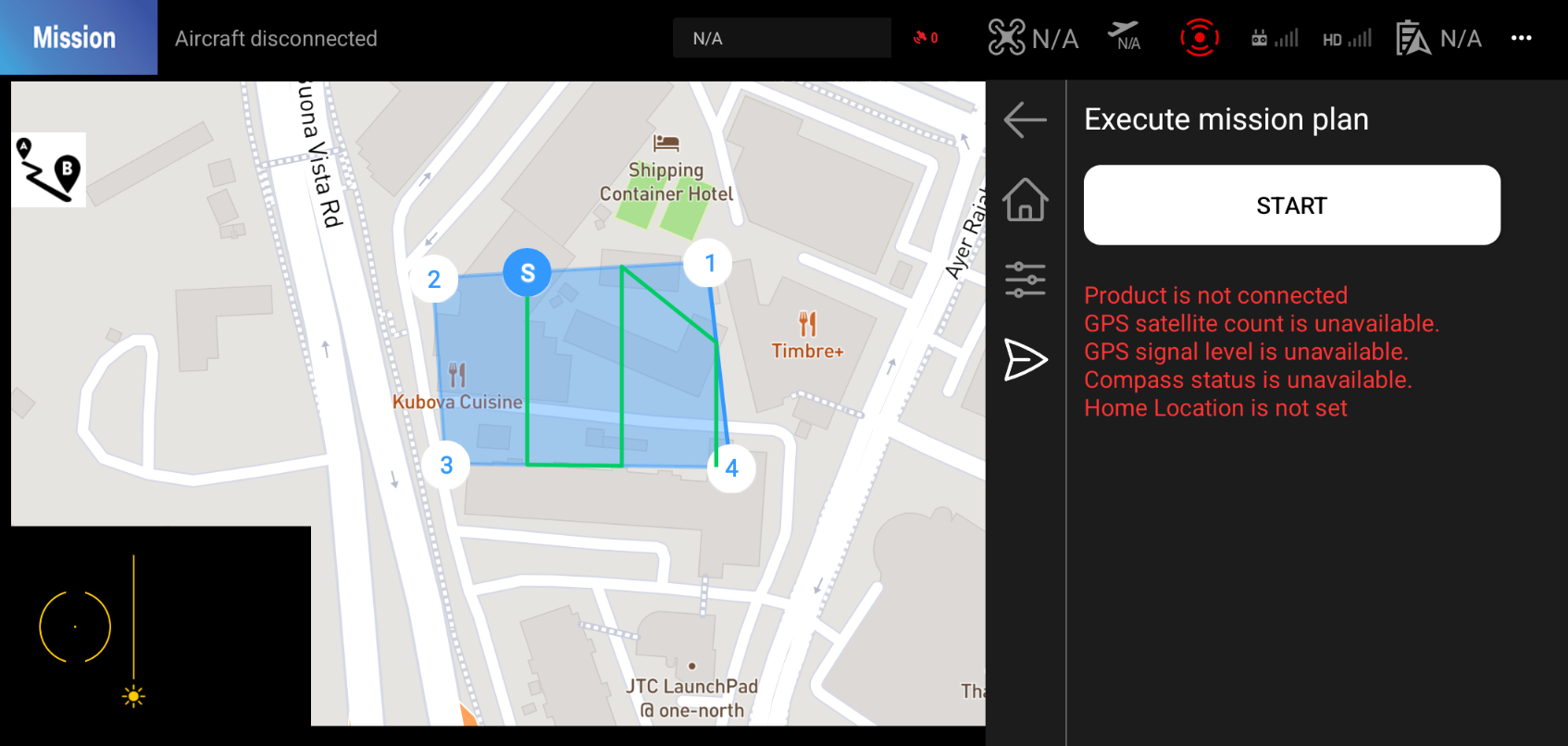
Please click the Start button to start the mission.
If the mission is not ready to start, you will see error messages on the screen. Please check the error messages and fix them before starting the mission.
Pause/Resume/Cancel
Once you start the mission, you will see the Pause, Resume, and Cancel buttons on the tab. You can use these buttons to control the mission.