About Screen Share
Screen Share lets you share and view a nearby device’s screen over the same local network during drone operations.
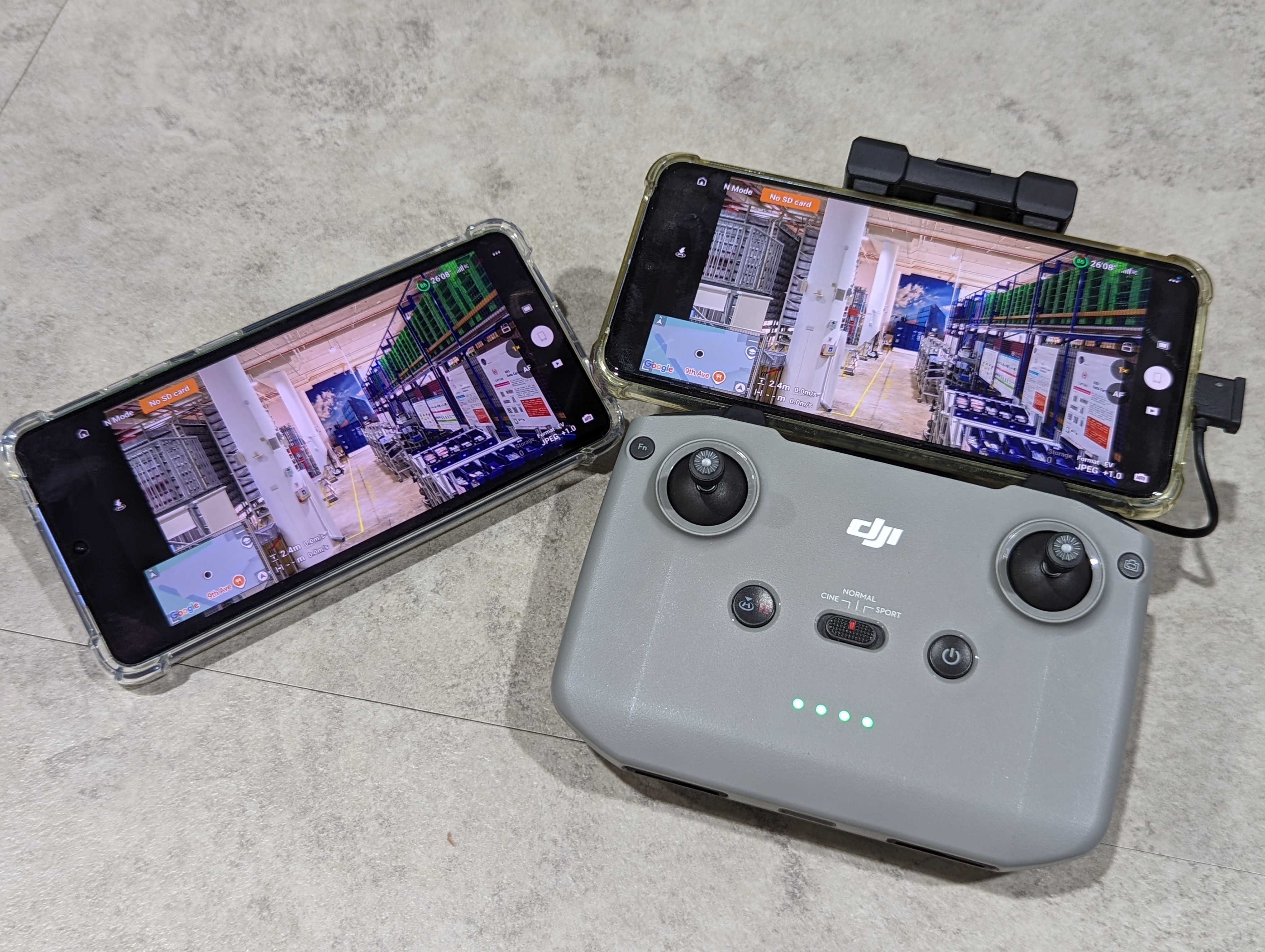
Screen Share lets you display one device's screen on another nearby device. It is useful for field support, demonstrations, training, troubleshooting, and monitoring an operator's screen from a more convenient position.
Example: Support a DJI Fly operation
An operator can share the screen of the device running DJI Fly while preparing or operating a drone. A nearby supervisor or support member can select that device in Screen Share and follow the DJI Fly screen from another phone or tablet. This makes it easier to guide the operator through flight preparation, review settings, or troubleshoot an issue without taking the operator's device.
The app has two modes:
- Share screen broadcasts the current device's screen.
- View screen finds and displays a screen shared by a nearby device.
Main features
- Automatic discovery of nearby shared screens
- Full HD (1080p) and HD (720p) video quality
- Live viewer count for the sharing device
- Full-screen viewing in portrait and landscape orientation
- Access for authorized members of an enabled workspace
- English and Japanese user interfaces
Important limitations
Screen Share is intended for nearby, view-only screen sharing. It does not provide device audio, remote control, screen recording, file transfer, chat, or public internet broadcasting.
Everything visible on the sharing device may be shown to connected viewers, including notifications and content from other apps. Hide sensitive information and review notification settings before starting.