Workspace Access
Screen Share access is managed per workspace. Authorized members can use the feature when the selected workspace has an active trial or purchased access.
Purchase access
If Screen Share is not enabled, select Share screen or View screen to open Unlock Screen Share, then select Buy screen-share access and complete the purchase.
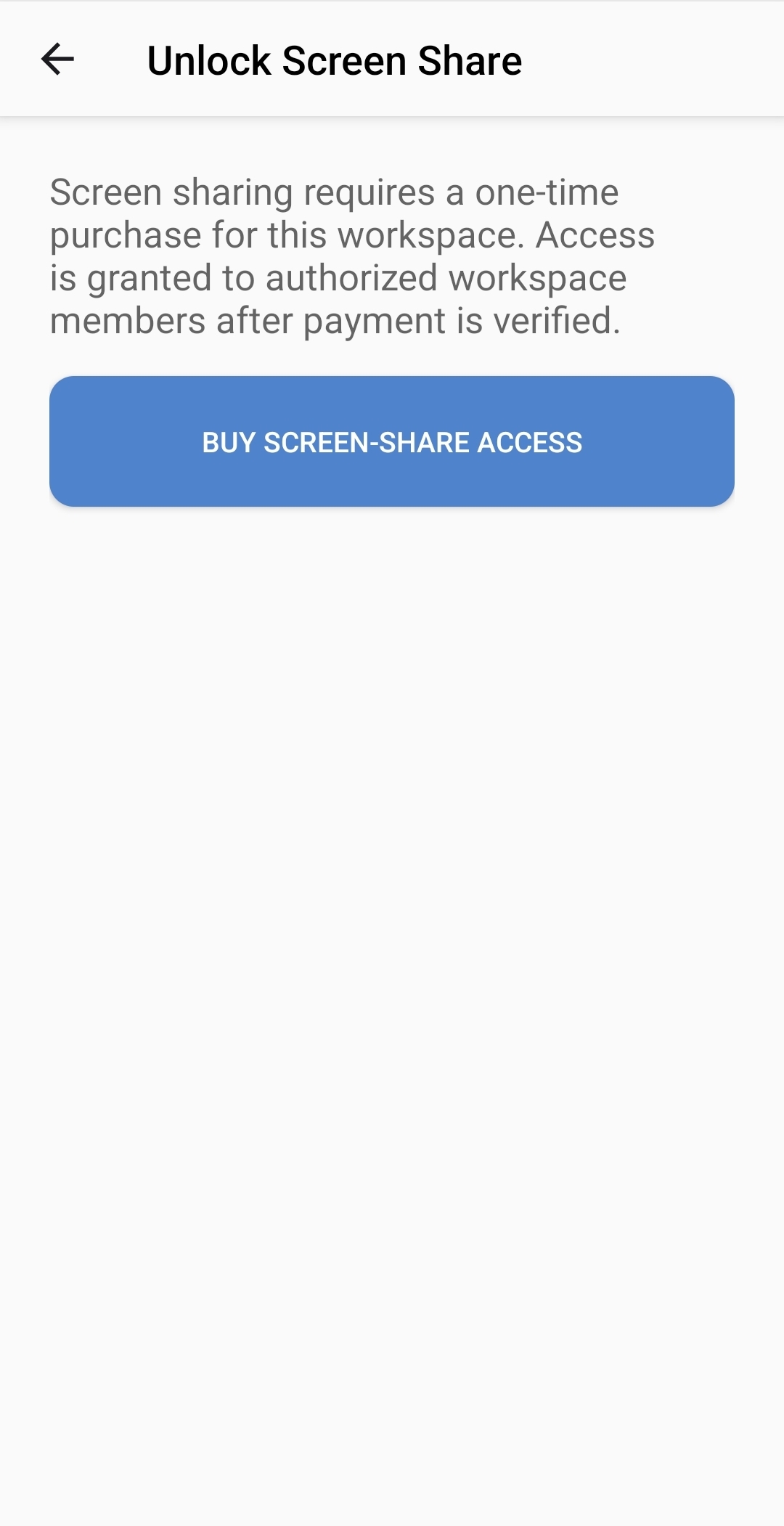
The purchase applies to the selected workspace. A workspace must be selected before access can be purchased. Workspace availability and purchasing permission may depend on your account and organization settings.
If access remains unavailable after payment, reopen the app or reselect the workspace so that its access information is refreshed. Contact your workspace administrator if you are unsure which workspace to use.