Share Your Screen
Before starting, review Network and Privacy, especially when using a mobile hotspot or an unfamiliar Wi-Fi network.
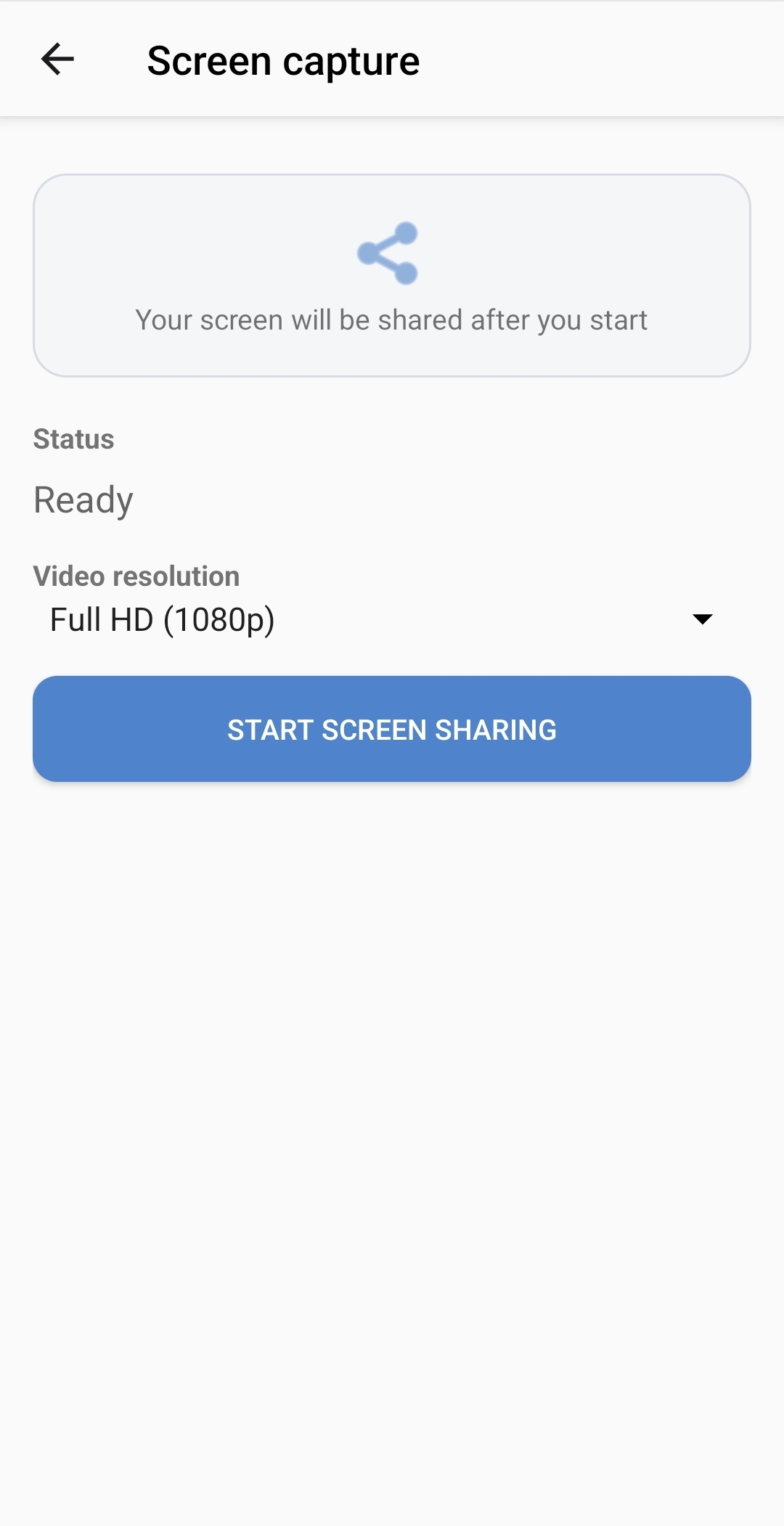
- Open Screen Share and select Share screen.
- Select a video resolution:
- Full HD (1080p) for higher image quality.
- HD (720p) for lower network usage and potentially better performance on slower networks.
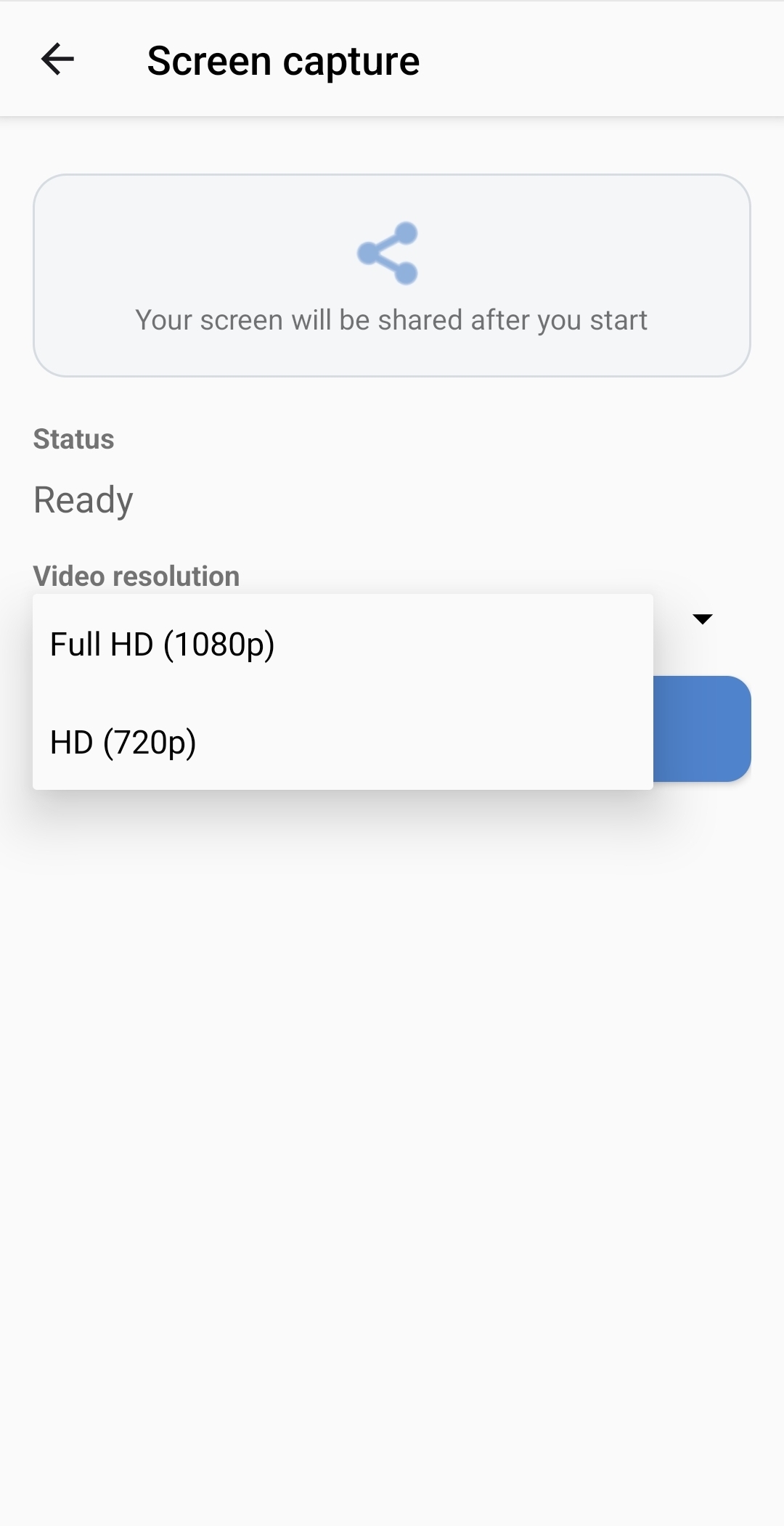
- Select Start screen sharing.
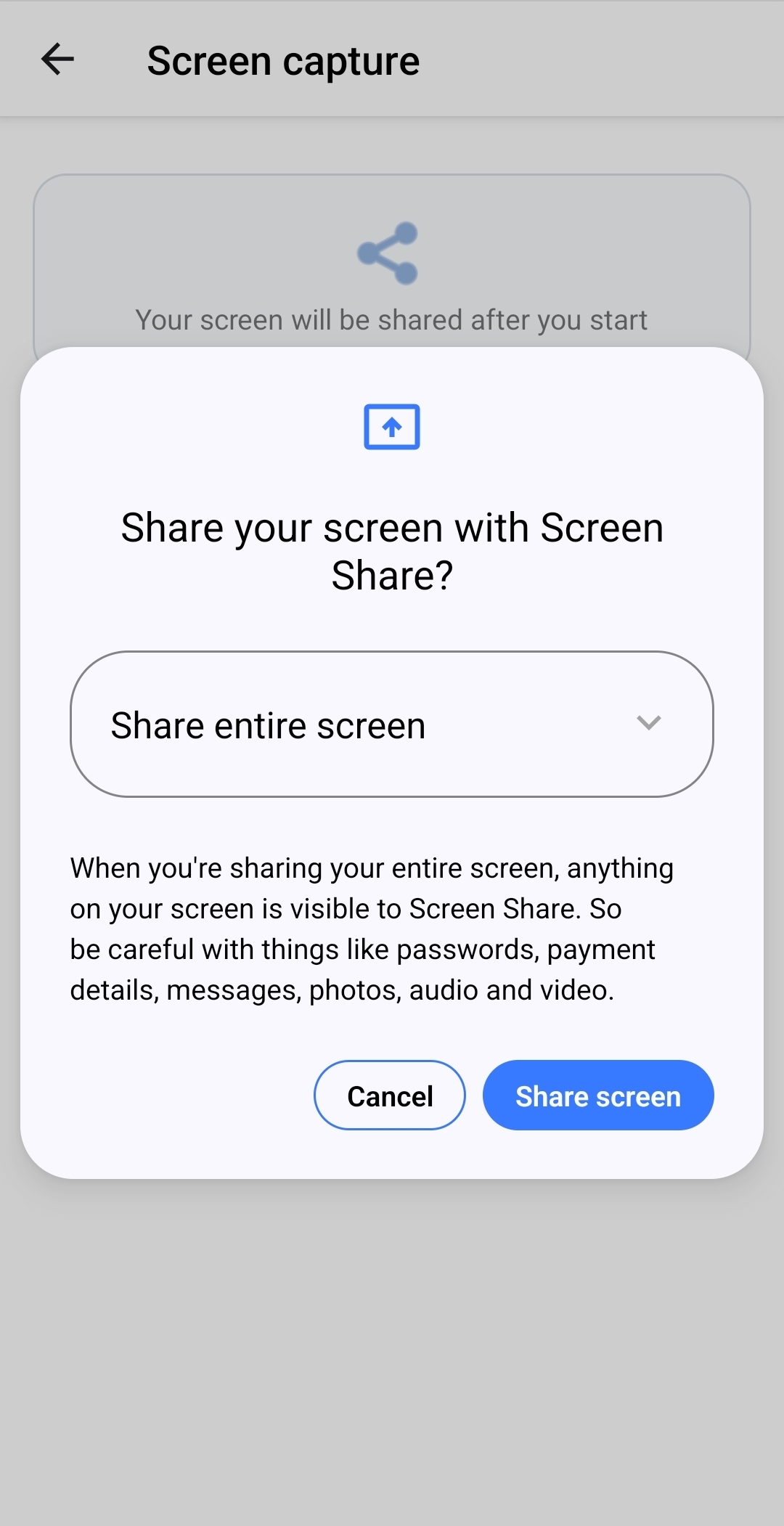
- Approve the operating system's screen-capture request.
- Continue using the device normally.
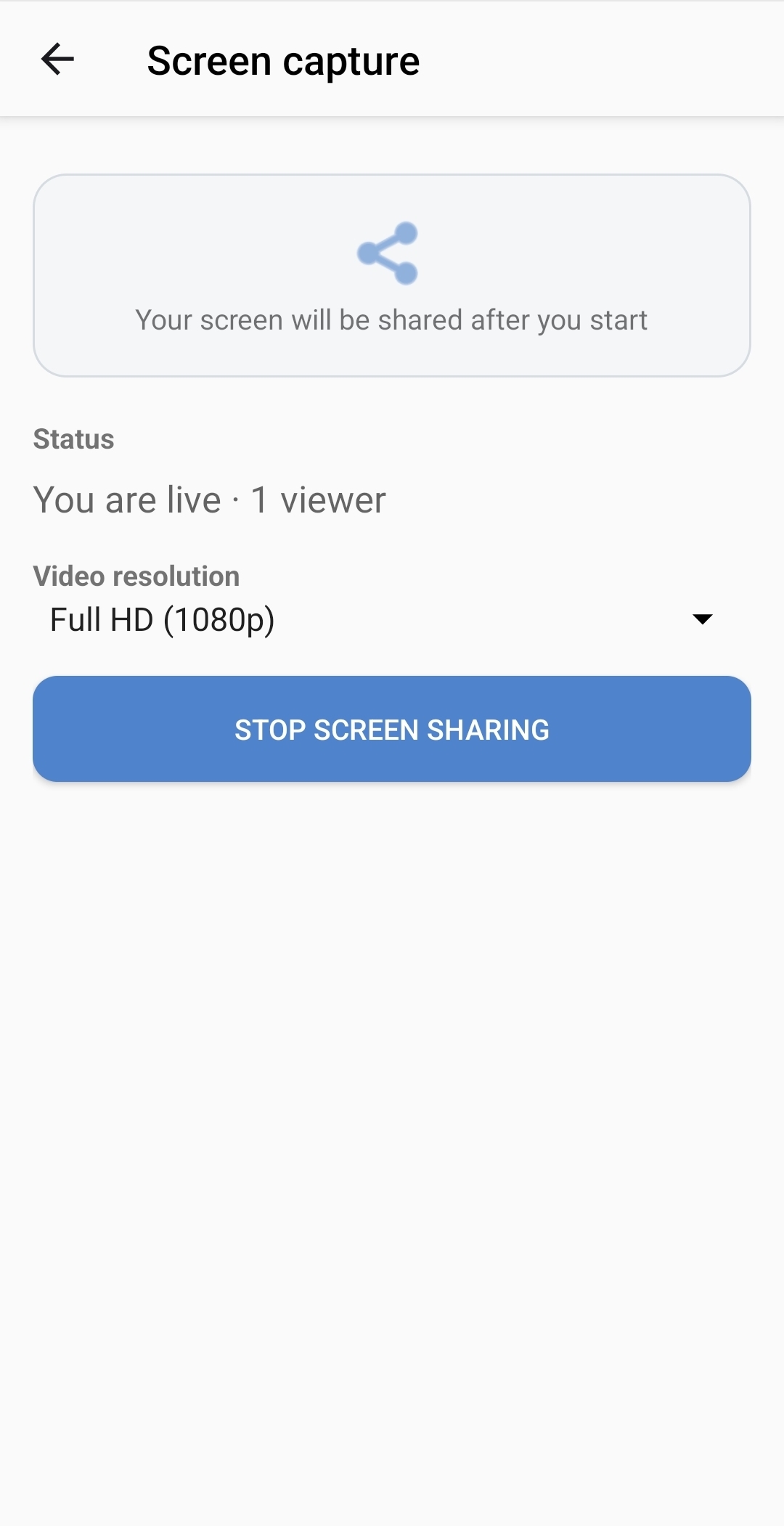
The sharing page shows the number of connected viewers. The operating system also displays an indicator or persistent notification while screen sharing is active.
Stop sharing
Return to Screen Share and select Stop screen sharing. If you try to leave the sharing page during an active session, confirm Stop and leave.
Stopping the session disconnects all viewers.
Before sharing sensitive work
- Close apps and pages that contain private information.
- Hide notification previews when possible.
- Remember that changing to another app does not stop screen sharing.
- Stop screen sharing as soon as the session is finished.