Getting Started
Requirements
Before using Screen Share, make sure that:
- Screen Share is installed on both devices.
- Both devices are connected to the same local network.
- Each user is signed in to DWS.
- The correct workspace is selected.
- Screen Share is enabled through a trial or purchased workspace access.
- The sharing device can grant the operating system's screen-capture permission.
Guest Wi-Fi and networks with client isolation may prevent devices from discovering or connecting to each other.
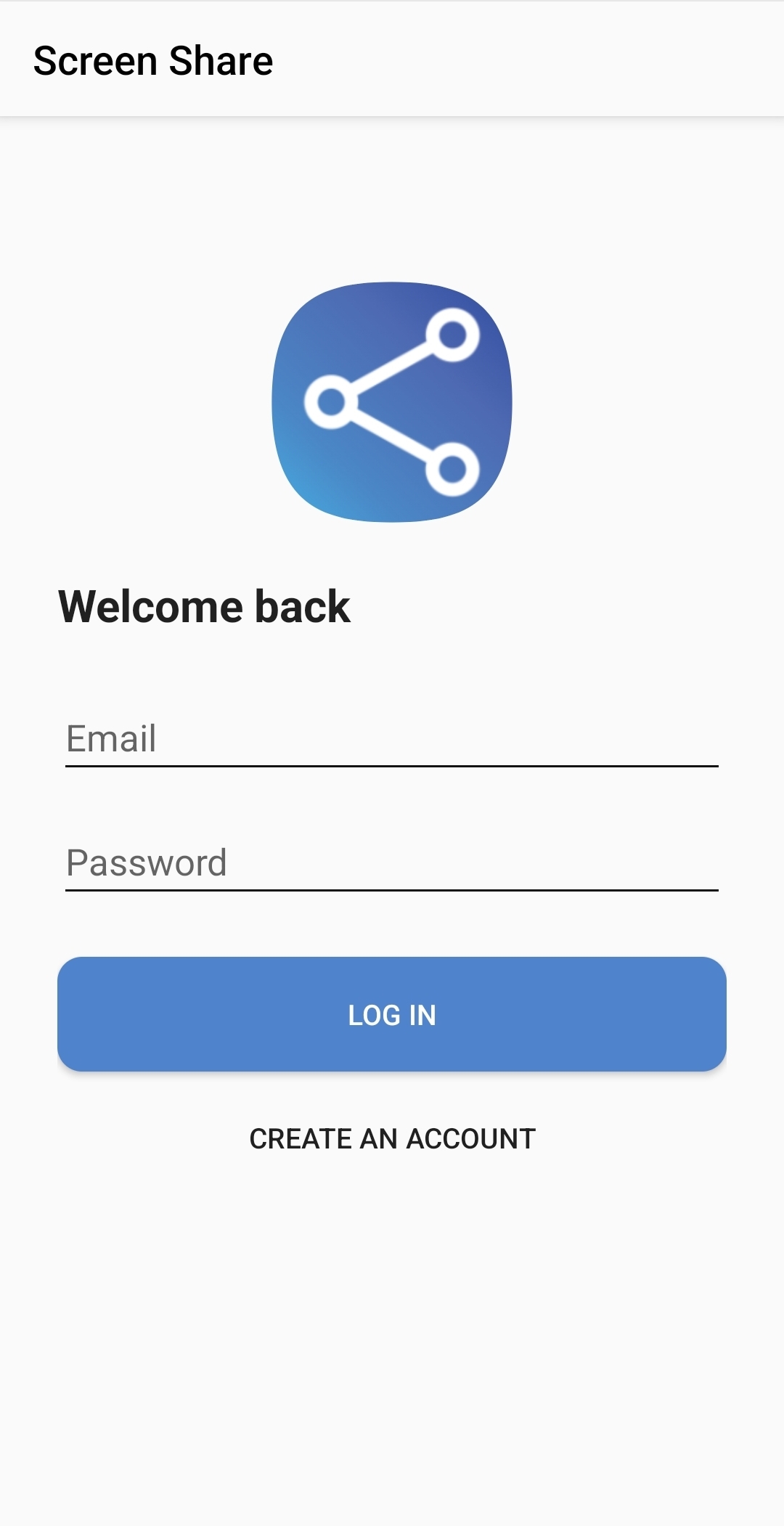
After signing in and selecting a workspace, the app opens the mode-selection screen.
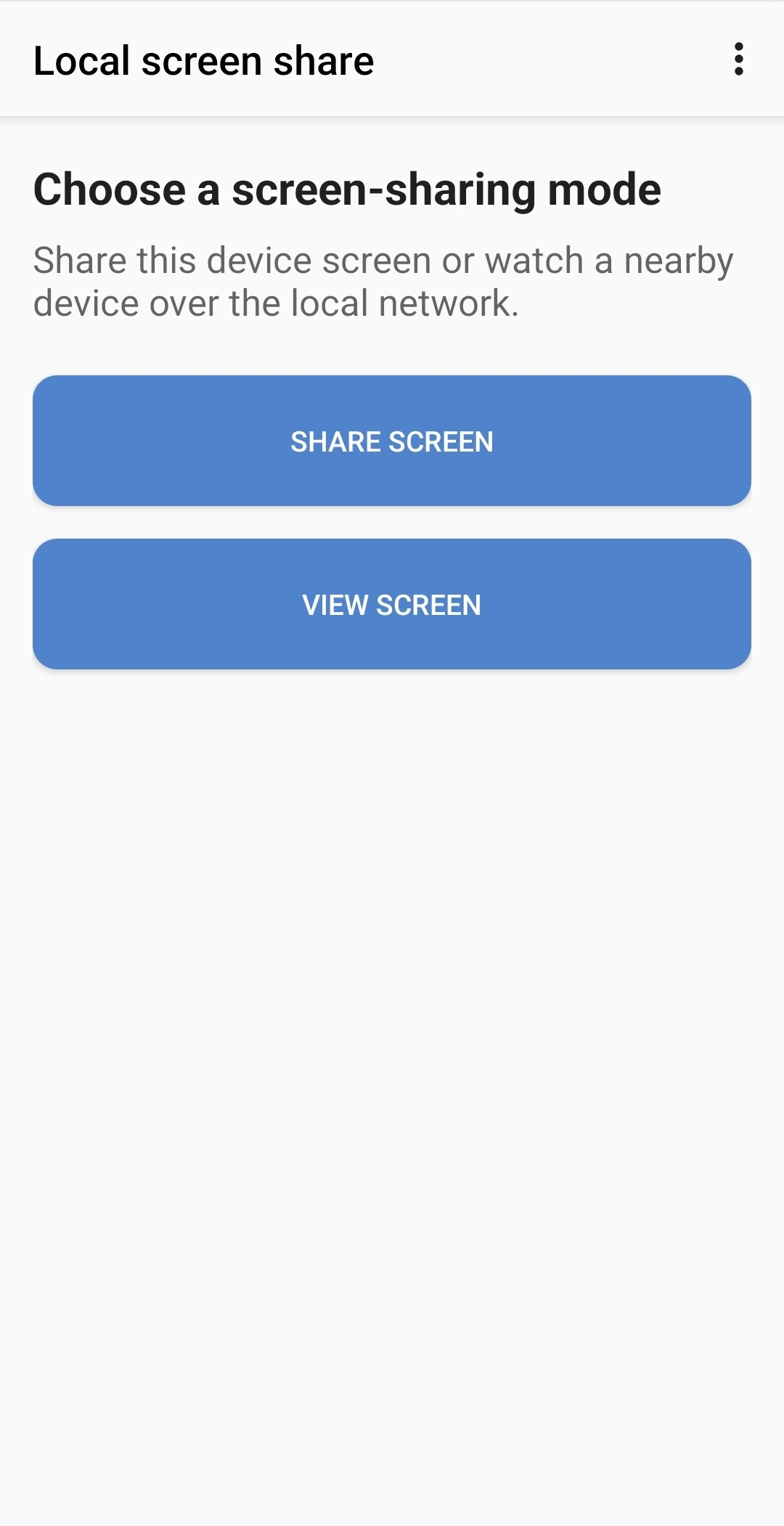
Open the menu to change workspaces or log out.
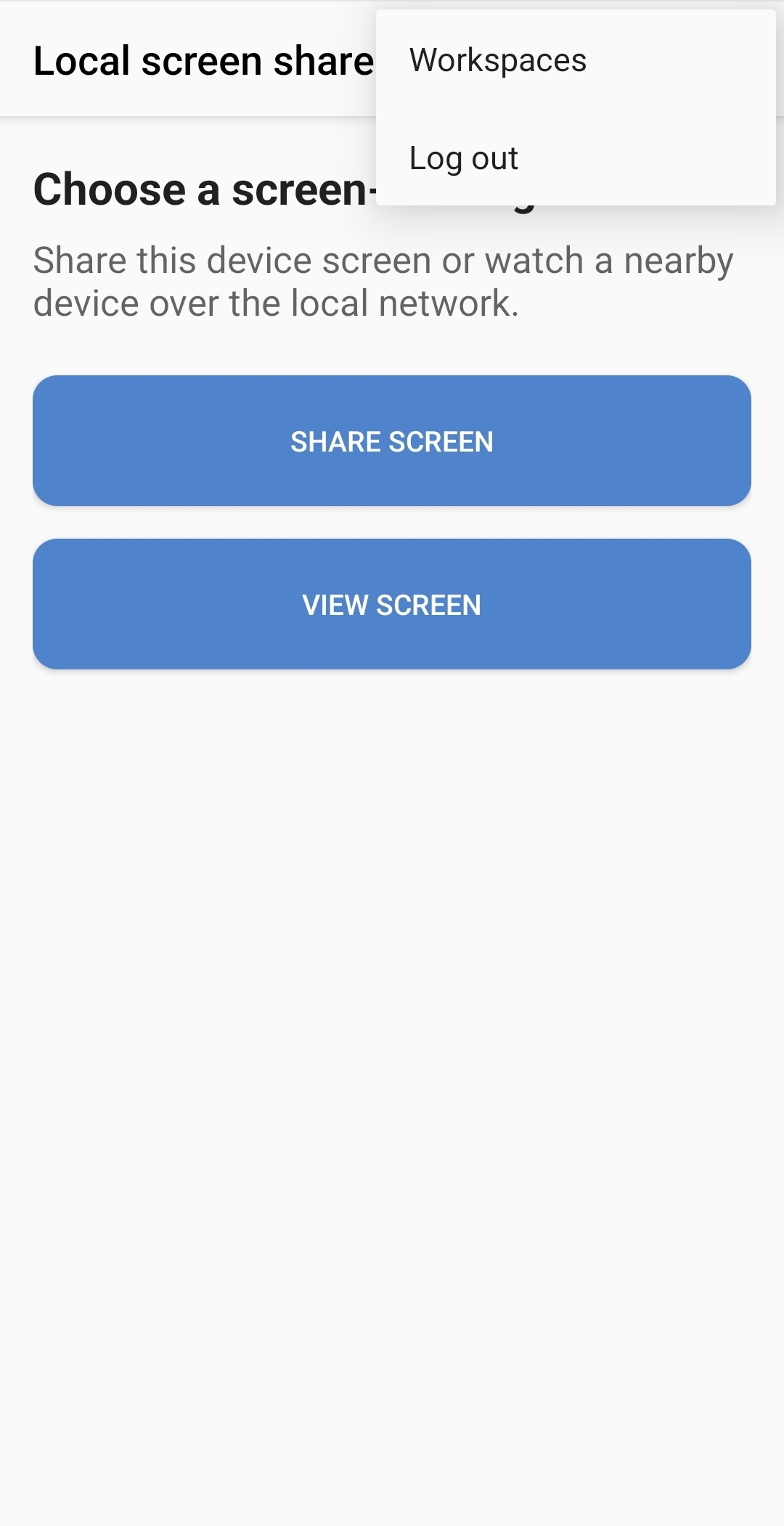
Choose a mode
Open Screen Share and select one of the following:
- Share screen to make this device's screen available to nearby viewers.
- View screen to find and watch another device.
Use the menu on the mode-selection screen to change Workspaces or Log out.
Continue with Share Your Screen on the sending device and View a Shared Screen on the viewing device.