View a Shared Screen
- Open Screen Share and select View screen.
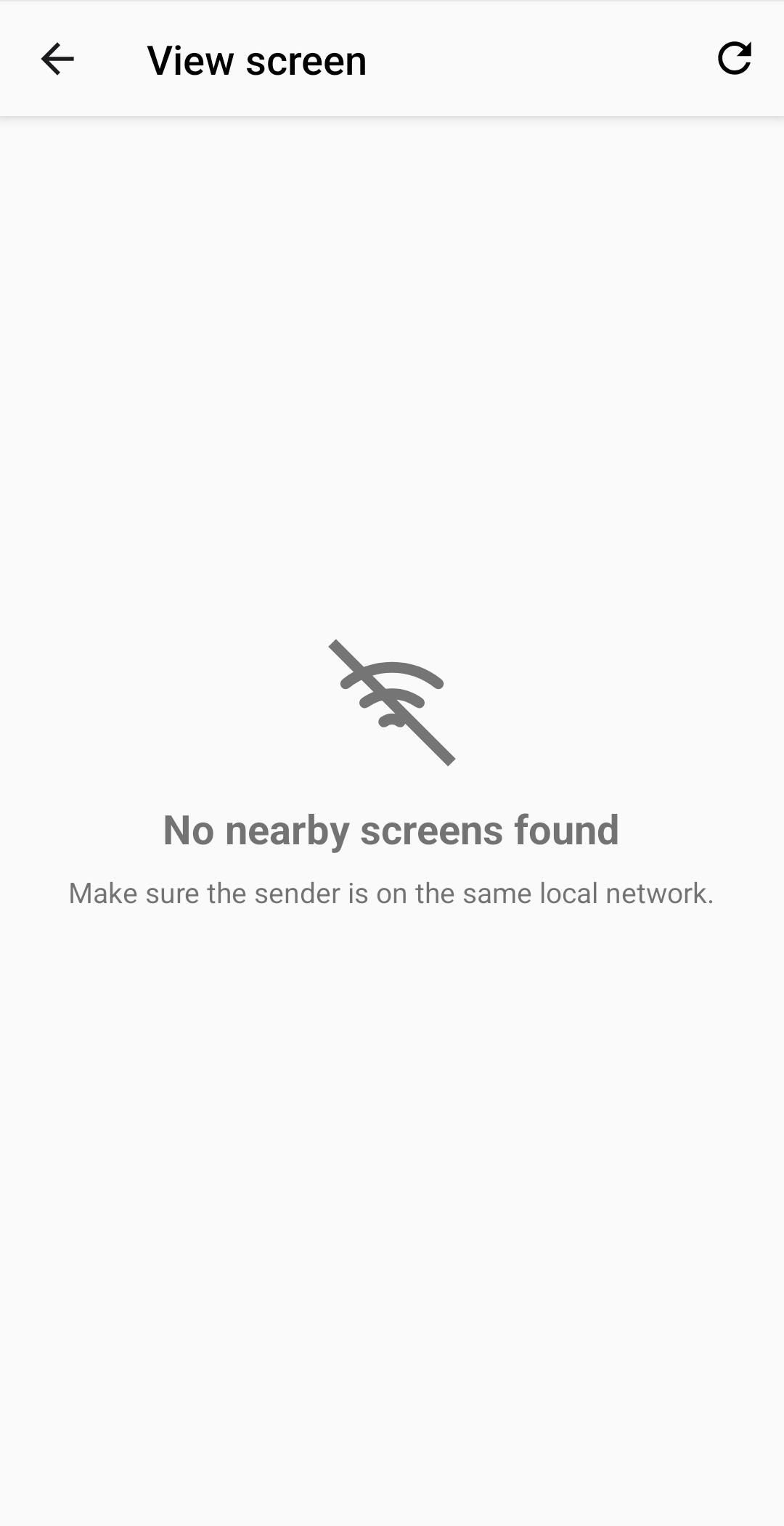
- Wait while the app searches for nearby shared screens.
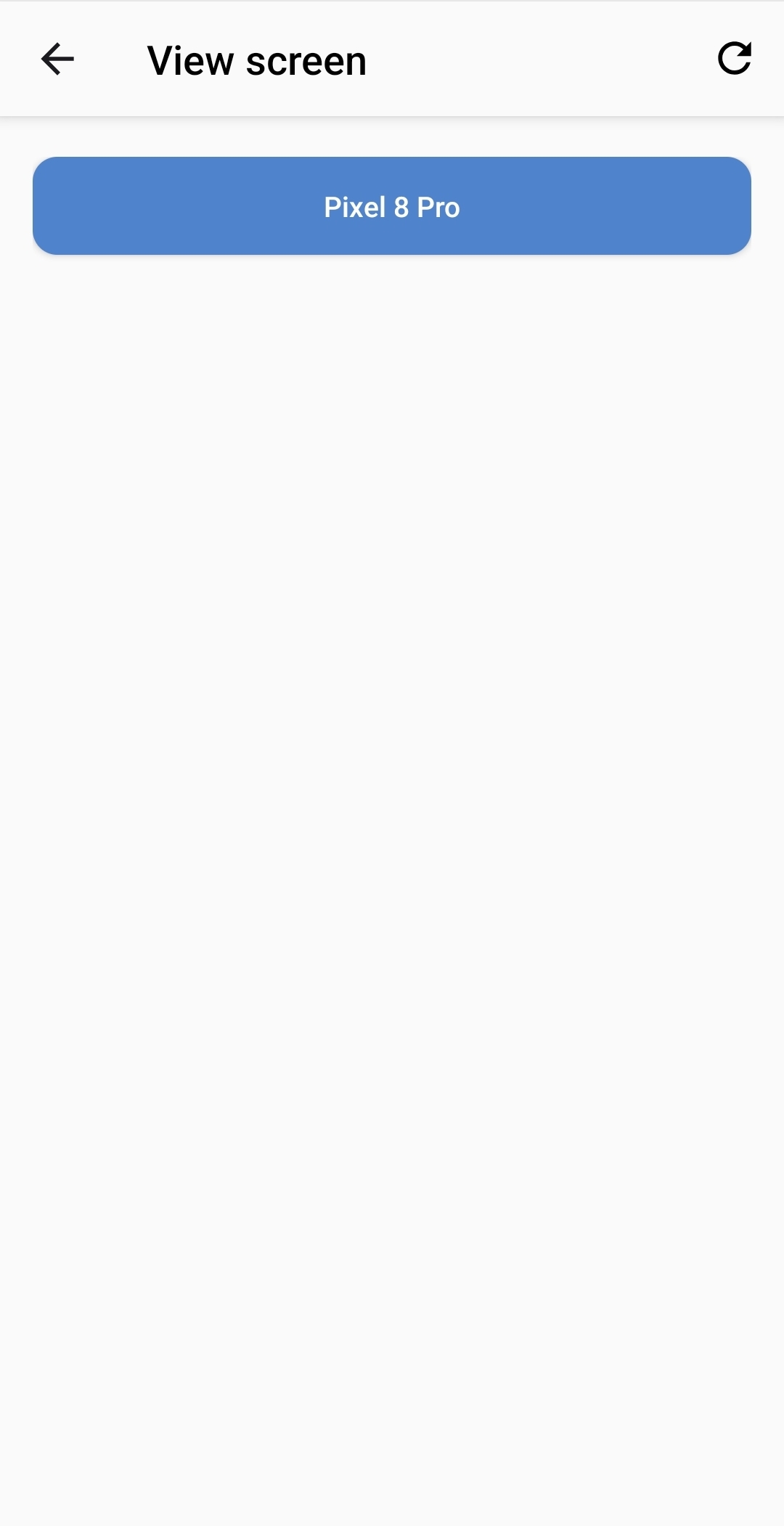
- Select the device that you want to view.
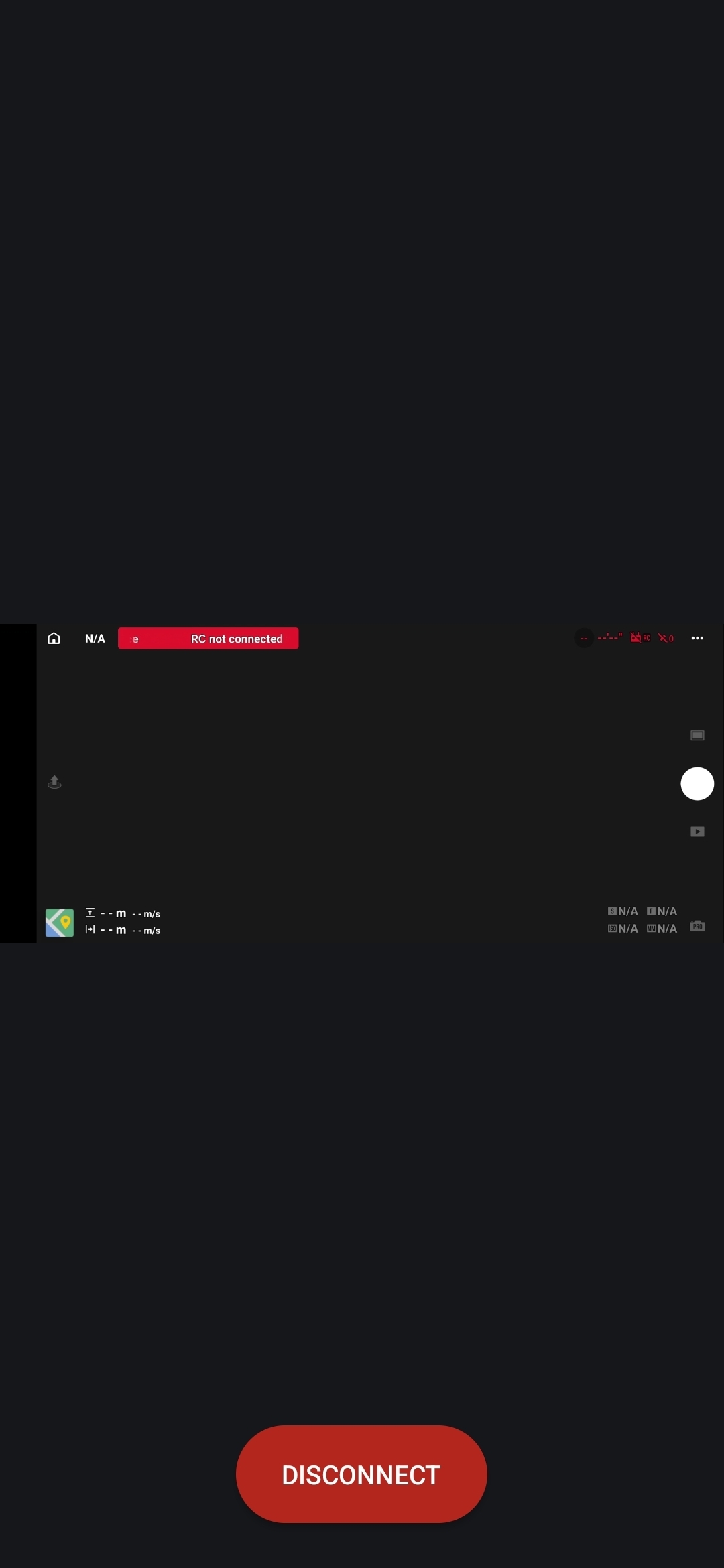
The shared screen opens in a full-screen viewer and adapts to portrait and landscape content.
Viewer controls
Tap the video to show or hide the Disconnect button. Select Disconnect to stop viewing and return to nearby-screen discovery.
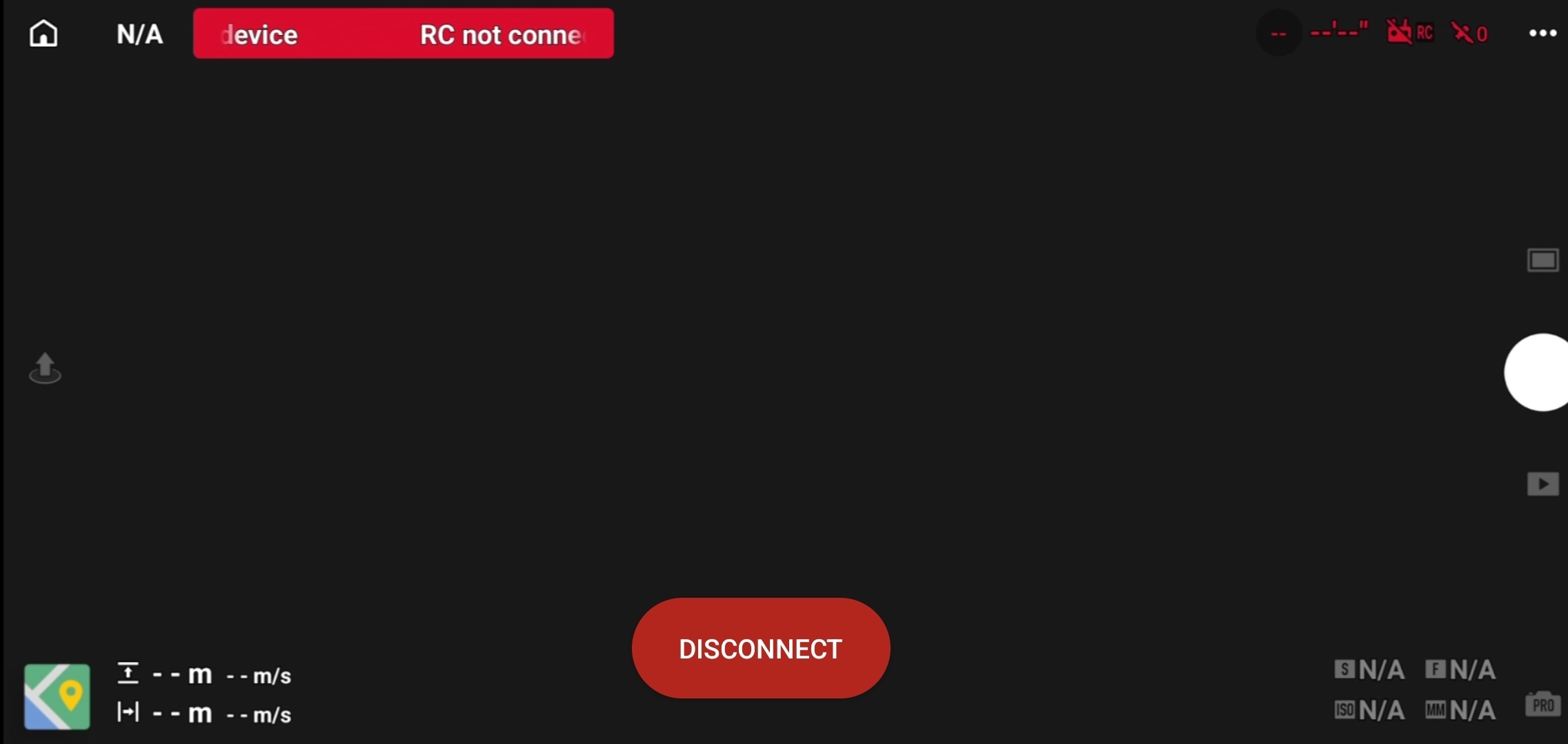
Disconnecting one viewer does not stop the sender's session or disconnect other viewers.
If the device is not listed
Select Refresh, then confirm that:
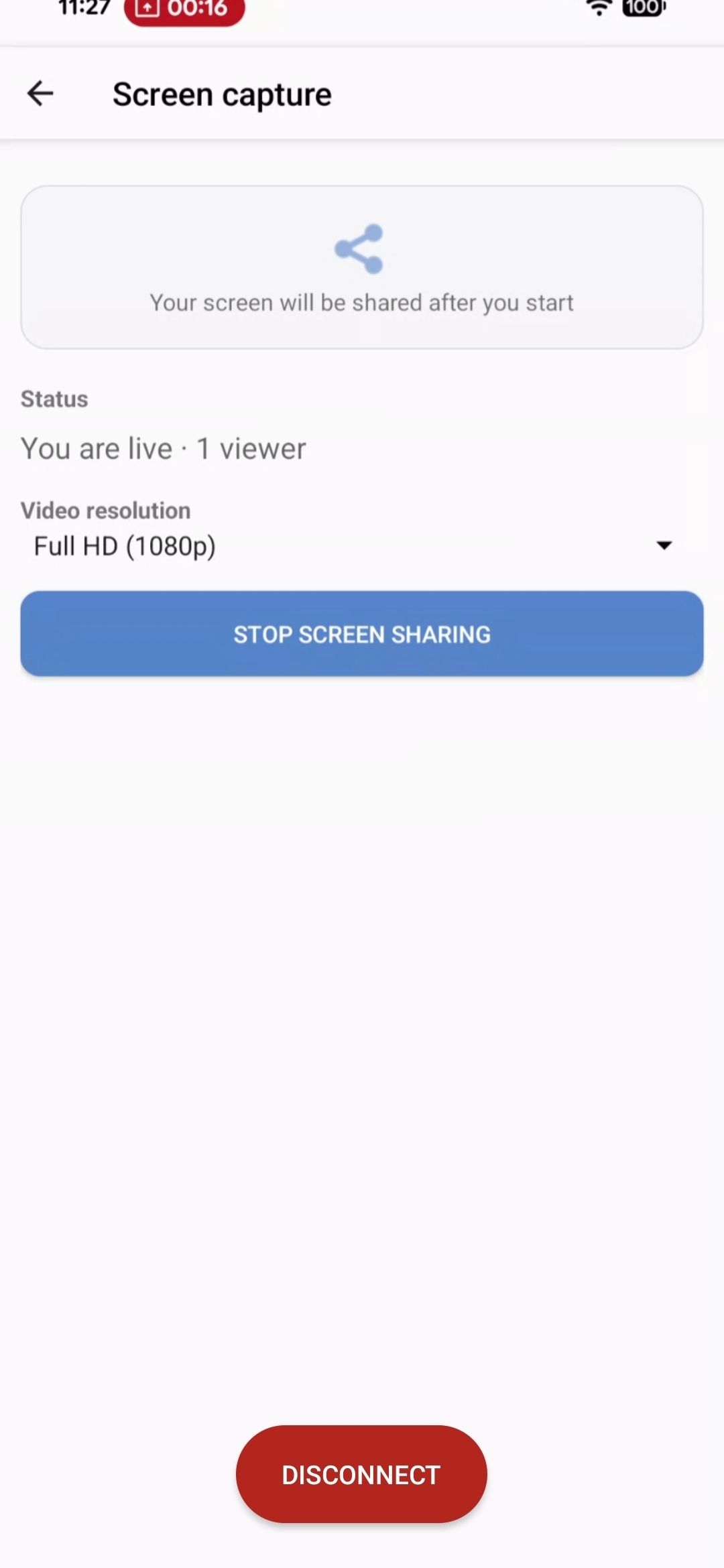
- The sender selected Start screen sharing and approved screen capture.
- Both devices are connected to the same local network.
- The network allows connected devices to communicate with each other.